 OGImg
X and Twitter Cards: When to Use summary_large_image
How the twitter:card meta tag chooses between a small thumbnail and a large image, what X falls back to when Open Graph tags are missing, and how to test the result.
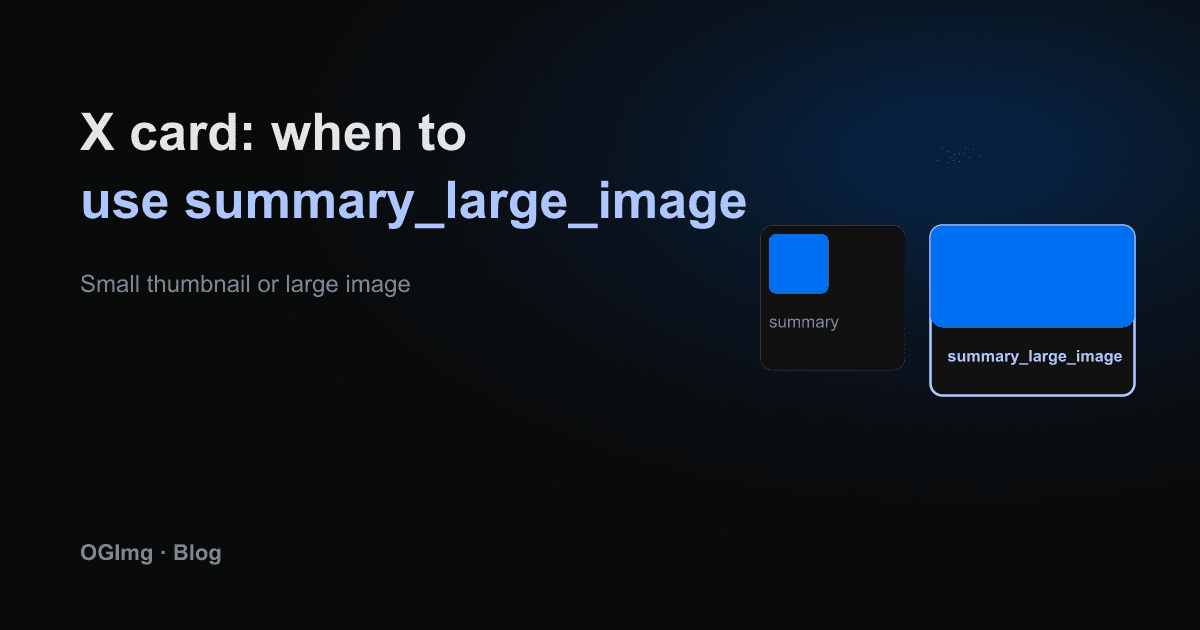
X, which most people still call Twitter, decides how to lay out a link preview from a twitter:card meta tag. The two values that matter for most sites are summary and summary_large_image. Choosing the wrong one is a common reason a preview looks smaller than it should.
The two layouts
The summary card shows a small square thumbnail next to the title and description. It suits logos, avatars and anything that is not meant to be read as a picture. The summary_large_image card shows a wide image across the full width of the post, with the title and description underneath. For a blog post, a product page or an OG image you generated on purpose, the large card is almost always the better choice.
Fallback to Open Graph
If the twitter: tags are missing, X reads the og:title, og:description and og:image tags instead. This is why many sites with good Open Graph tags look fine on X without any extra work. The gap appears when the two sets disagree: an old twitter:image left over from a redesign will override a fresh og:image.
Keep the two sets in sync by generating both from the same variables in one function, rather than writing them by hand in two places.
Image requirements in practice
- Use a 1.91:1 image, the same 1200×630 used for Open Graph. A different ratio gets cropped.
- Keep the file under a few megabytes. Very large images are scaled down or skipped.
- Use a PNG or JPEG. Do not rely on SVG or WebP support in previews.
- Make the image URL absolute and publicly reachable. A login-protected or localhost image will not load in the preview.
Testing it
X's card validator has changed over the years and is not always available, so do not rely on it alone. Paste the URL into a private post or a direct message to yourself and look at the result. Then check the same URL in another platform's debugger to make sure the Open Graph side is right too. A preview that works on X but not on LinkedIn usually means a tag is missing from one of the two sets.