 OGImg
The Open Graph Tags Every Page Needs
A practical checklist for og:title, og:description, og:url, og:image, og:type and og:site_name, with the mistakes that quietly break previews on real sites.
Open Graph is the small set of meta tags that turns a bare URL into a card with a title, a line of text and a picture when someone pastes it into a chat or a feed. Most sites set one or two of them and assume the rest will work out. Usually they do not, and the preview quietly falls back to whatever the crawler guessed.
The six tags
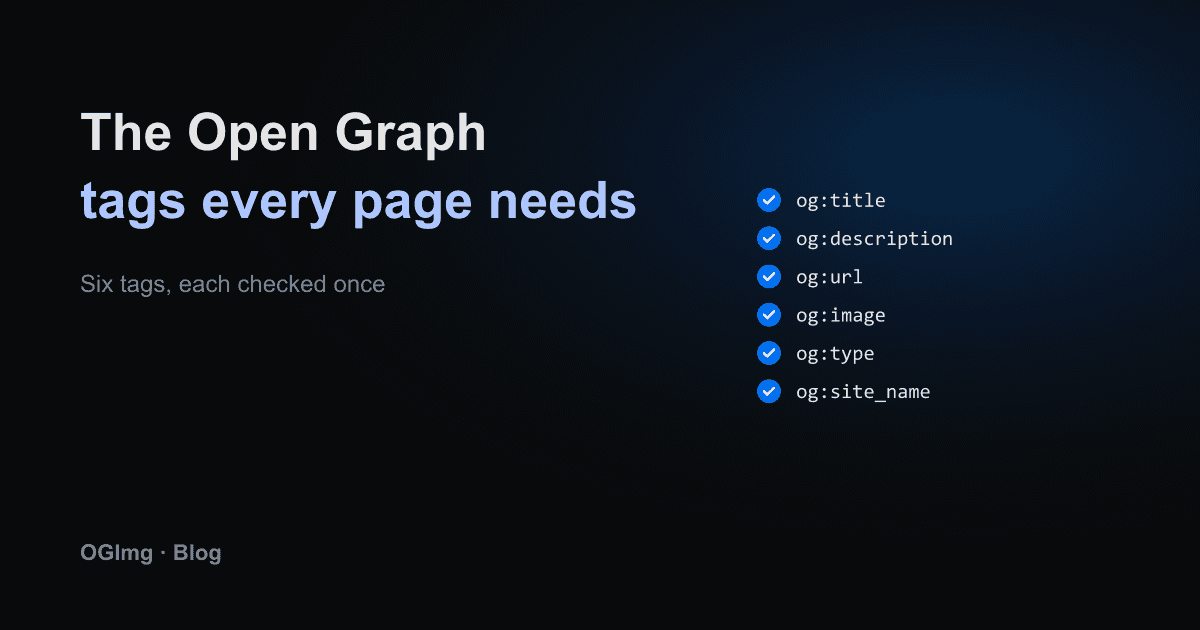
- og:title: the headline of the card. Keep it close to your <title>, but it can be a little more descriptive.
- og:description: one or two sentences. If it is missing, platforms pick a random paragraph from the page.
- og:url: the canonical address of this page, absolute, with https. More on this in the canonical post.
- og:image: an absolute URL to a 1200×630 image. A relative path like /image.png is a common cause of missing previews.
- og:type: website for most pages, article for posts. Article adds publish times and author data.
- og:site_name: the name of your product or publication, shown above the title.
Write them in the HTML, not after the page loads
Social crawlers read the HTML the server sends. They do not run your JavaScript. If the tags only appear after a client-side effect, the crawler sees an empty head. Check by viewing the raw HTML of the page, not the DOM in your browser's inspector, which already includes the client-rendered changes.
The mistakes that break previews
- Two og:image tags on one page, usually one from the layout and one from the page. Some platforms pick the first, some the last.
- A page that sets openGraph.title in Next.js but drops the image and site name. The metadata object replaces the parent's block instead of merging into it, so every page needs its own complete block.
- Tags that point to a staging domain or localhost. Crawlers cannot reach those, so the image simply fails.
- A redirect on the image URL. Some crawlers follow it, many do not.
- Characters that are not escaped in the attribute. An ampersand in a query string should be written as & in the HTML.
A quick check
Pick one important page and fetch its HTML with curl. Search for og: and confirm each of the six tags appears exactly once with an absolute URL. Then fetch the image URL and confirm it returns a 200 with a PNG or JPEG content type. Doing this by hand for one page takes a minute and catches most problems before a platform's debugger has to.