 OGImg
What Size Should an Open Graph Image Be? 1200×630 Explained
The image dimensions and aspect ratio that Facebook, LinkedIn, Slack and X actually use for link previews, why 1.91:1 is the number to remember, and how to avoid cropped text.
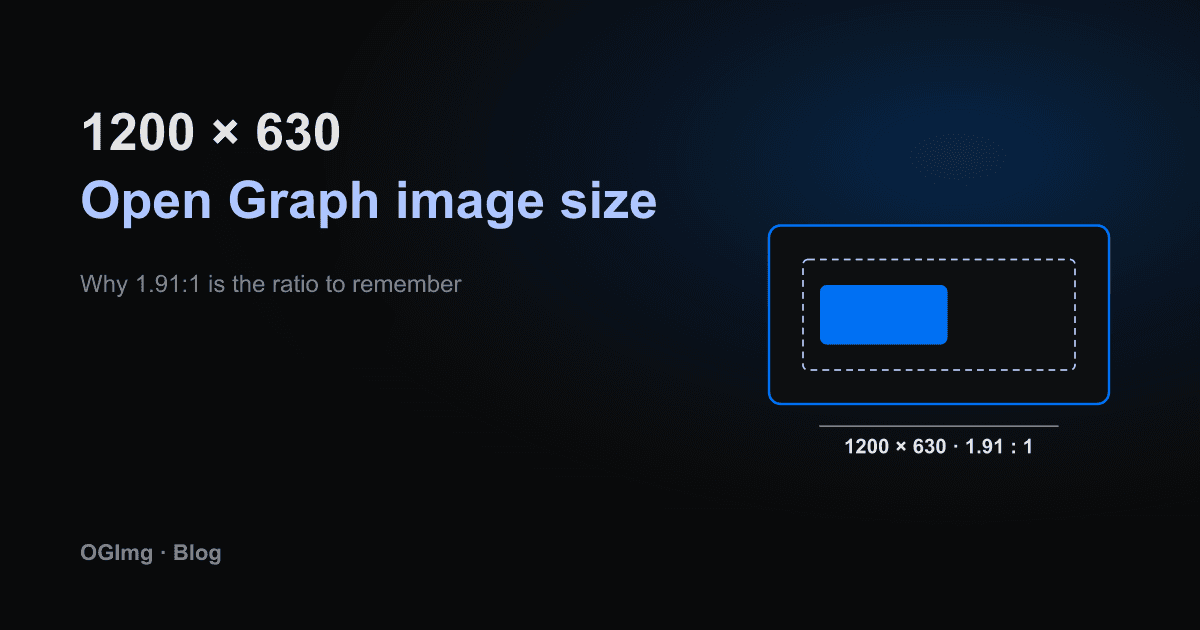
Every social platform will show a preview for a link if it can find an image in the page's Open Graph tags. The hard part is not getting an image into the tag, it is getting one that looks right everywhere. The answer is almost always the same: 1200 pixels wide by 630 pixels tall.
Why 1200×630
1200×630 is the size Facebook recommended for shared links for years, and it is the size most other platforms accept without complaint. It has an aspect ratio of 1.91:1. That single ratio is the thing to remember, because it is what decides whether your image gets cropped.
Platforms that show a wide card (Facebook, LinkedIn, Slack and X with the large card layout) fill the full width of the card. If your image has a different ratio, they crop the top and bottom, or the sides, to fit. A square logo ends up with its edges cut off. A tall poster ends up showing only a sliver of the middle.
What the tag looks like
You declare the dimensions alongside the URL so the platform does not have to download the image to lay out the card. In Next.js, the metadata API does this for you when you pass the width and height.
Keep important content in the middle
Even at 1.91:1, some platforms render a smaller preview or crop slightly differently on mobile. Keep the title, logo and any key number inside a safe area about 80 pixels in from every edge. Decorative backgrounds can run all the way to the border.
Common mistakes
- Using a 1:1 square image because it fits a logo, then wondering why the card looks cropped.
- Uploading a 4000 pixel wide screenshot. The platform scales it down, but a huge file slows the first request and can time out.
- Serving an SVG. Most crawlers do not render SVG in link previews, so give them a PNG or JPG.
- Changing the image size later without updating the width and height tags, which leaves platforms guessing.
If you generate your images from HTML, pick the 1200×630 size once and build every template from it. Then the ratio question never comes up again.