 OGImg
Sitemap and robots.txt in the Next.js App Router
Generate sitemap.xml and robots.txt from code in the App Router, keep them in sync with your real pages, and avoid the common mistake of listing URLs that redirect or return 404.
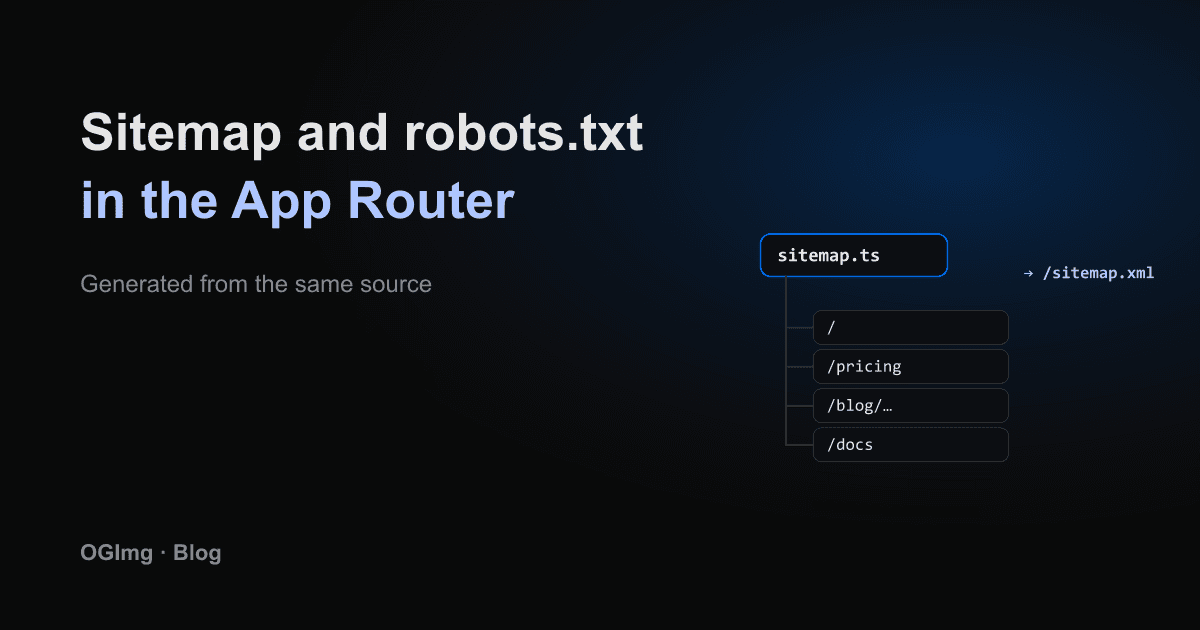
The App Router can generate sitemap.xml and robots.txt from code, which means they can be built from the same data as your pages. That is the main advantage: a sitemap that lists a page that was deleted last month is one of the most common SEO mistakes, and generating it from the source of truth avoids it.
sitemap.ts
Create app/sitemap.ts and export a default function that returns an array of entries. Next.js serves the result at /sitemap.xml. List only canonical, indexable URLs. Static pages go in by hand; dynamic pages come from the same list your routes use.
Use a real lastModified date. Writing new Date() into every entry tells crawlers that everything changed on every request, which reduces the signal the field is supposed to carry.
robots.ts
app/robots.ts returns the crawl rules and points to the sitemap. Keep the rules short. Block private areas such as dashboards and login pages, and make sure you do not block the CSS and JavaScript the page needs to render.
Check what you publish
- Fetch /sitemap.xml on the live site and confirm every URL returns 200 with no redirect.
- Confirm each URL is the canonical form, including the trailing slash and the scheme.
- Make sure pages marked noindex are not in the sitemap, since the two signals contradict each other.
- Submit the sitemap in Search Console once, then check it periodically for errors.
The sitemap is a hint, not a guarantee. Good internal links still matter more than a long list of URLs, but a clean sitemap makes it easier for crawlers to find new content quickly.