 OGImg
Writing Meta Titles and Descriptions That Fit the Snippet
Search engines cut titles and descriptions by pixel width, not by character count. How to write them so the important words survive, and how to check the result before you publish.
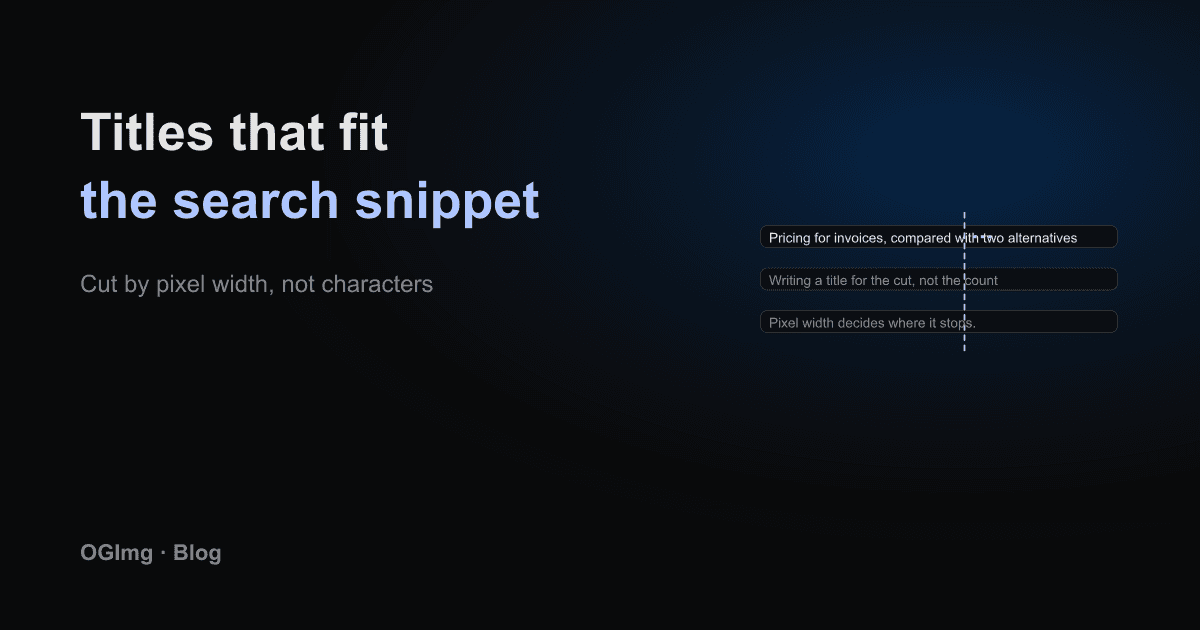
You will find blog posts that say a title must be 60 characters and a description 160. Those numbers are rules of thumb from an older era. Search engines truncate titles and descriptions by rendered pixel width, and that width depends on the letters. A title full of capital W's runs out much sooner than one full of narrow i's.
Write for the cut, not the count
Assume the last few words of a long title may be replaced with an ellipsis. Put the most important words first: the topic, then the qualifier, then the brand. A title like "Pricing for Invoices, Compared with Two Alternatives | OGImg" loses its brand name first, which is usually the right loss. The reader already knows the brand when they clicked.
The description is an argument, not a summary
The description is the sales line that appears under the title. It works best when it names the reader's problem and promises a specific outcome the page actually delivers. Avoid starting with the word "Learn" or "Discover" on every page; repetition makes the whole site look like one template.
Do not use the description as a keyword list. Search engines may rewrite it if it does not match the page, and a list reads badly in the results.
Measure it, do not guess
Two checks catch most problems. First, render the title in a browser at a width close to the results page and see where it cuts off. Second, look at your Search Console performance report for pages whose click-through rate is much lower than their position suggests. Those pages often have a title that is cut before the useful part.
Keep the title and the og:title separate
The title tag serves search results. The og:title serves a chat preview, where the image and surrounding text give more context. They can be the same string, but they do not have to be. A slightly warmer og:title that adds the product name often works better in a feed.
- Make every title unique within the site. Duplicate titles are one of the most common problems in audits.
- Make the description unique too. Auto-generated descriptions that repeat a template are a quiet source of low click-through.
- Check the length after your template adds the brand suffix, because the suffix uses up part of the budget.