 OGImg
Why Your Link Preview Shows the Old Image (and How to Refresh It)
Each platform caches link previews on its own schedule. Here is why an updated og:image can keep showing for days, and the debugging tools and URL tricks that force a refresh.
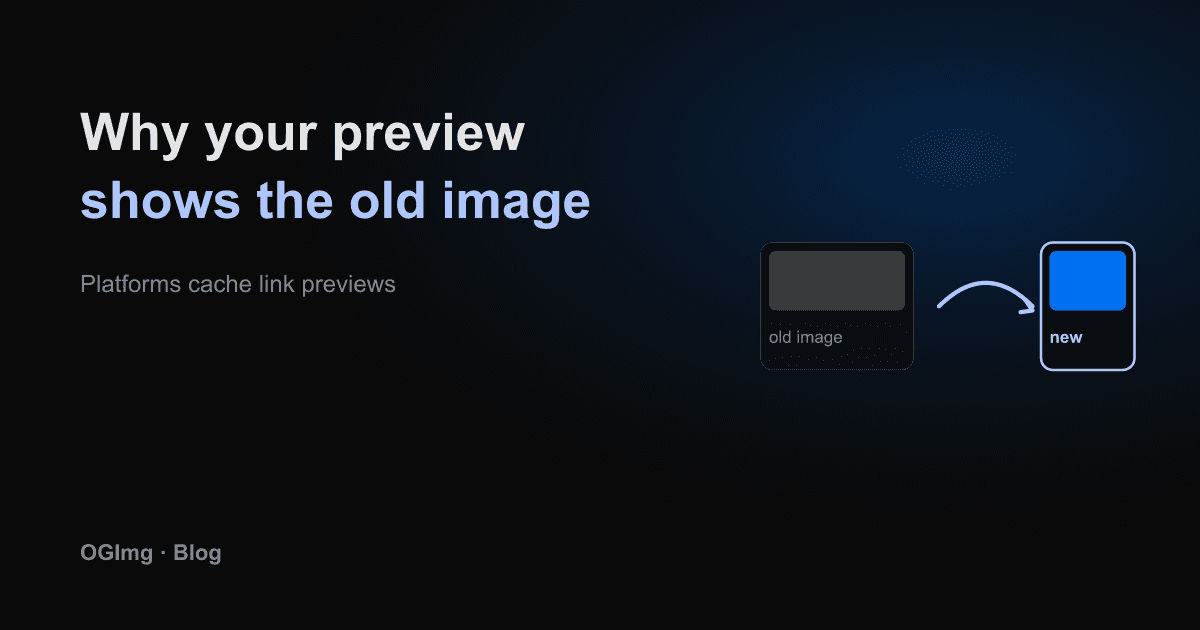
You updated the og:image on your site. You checked the tag in the HTML, the image loads in your browser, and the new picture is live. Yet every chat and feed still shows the old card. This is almost always a cache, and the fix is usually a few clicks rather than another deploy.
Each platform keeps its own copy
When someone shares a link, the platform fetches the page once, extracts the tags, downloads the image and stores the result. The next person who shares the same URL gets the stored card, not a fresh fetch. Facebook, LinkedIn, Slack, X and messaging apps all do this, and none of them publish exact expiry times. Some refresh after a few days, some only when the URL changes.
Ask the platform to scrape again
- Facebook: the Sharing Debugger has a Scrape Again button that discards the cached copy for that URL.
- LinkedIn: the Post Inspector re-fetches the page when you run it.
- X: re-share the URL in a private context after the card validator reflects your change, since X's caching behaviour is less documented than the others.
- Slack and other chat apps: there is no public button. The reliable fix is to change the URL.
Change the URL when you have to
A cache is keyed by the exact URL. Adding a version parameter gives every platform a new key and forces a fresh fetch. This works for any platform, including ones with no refresh button.
Only change the image URL, not the page URL, unless you also want to refresh the title and description. A new page URL creates a new link with its own history, and old shares keep the old card.
Prevent it next time
Put a version or a content hash in the image filename from the start, such as post-a1b2c3.png. Then a changed image is always a new URL and never serves a stale copy. If your images come from an API, include the template and text in the query string, so the same inputs always map to the same URL. Caching then works for you instead of against you.